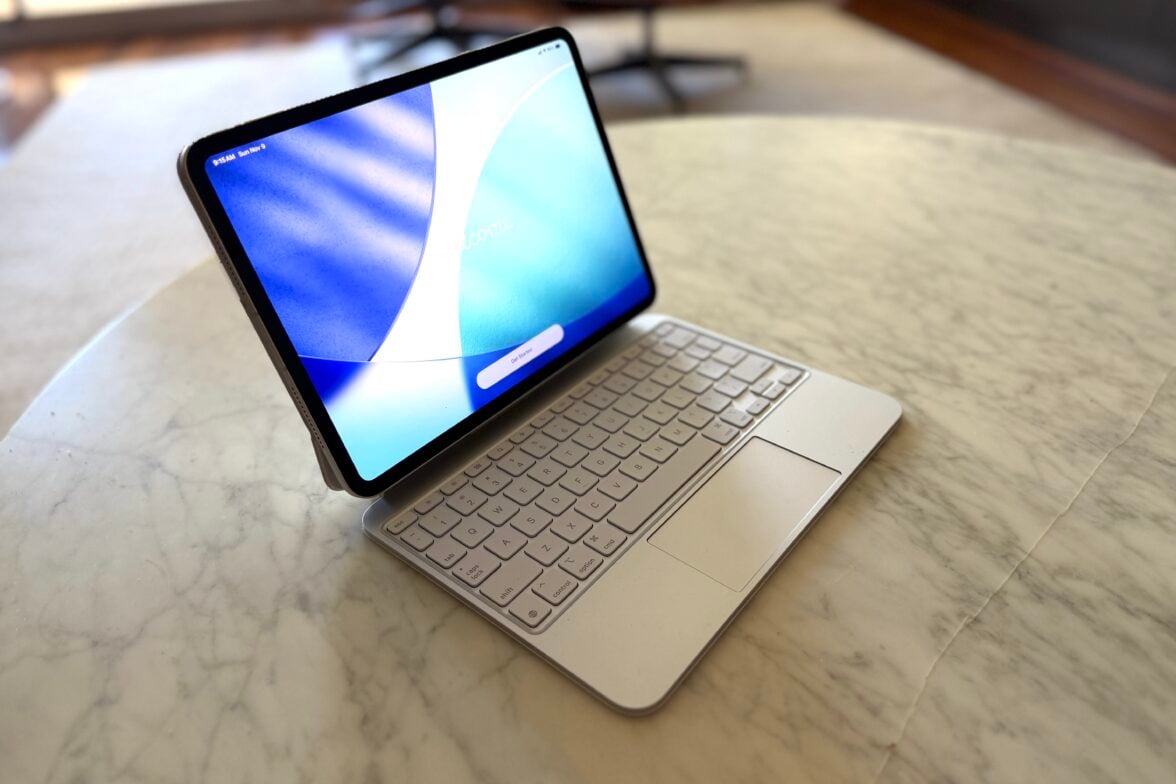

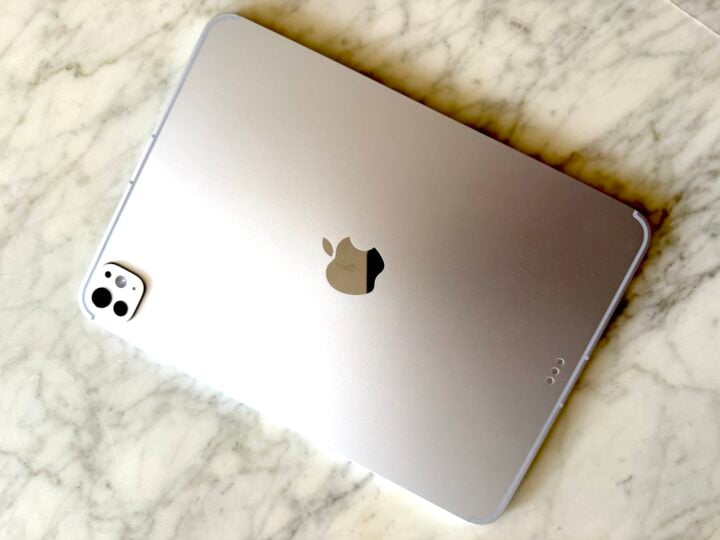
Apple’s iPad Pro is still the benchmark for tablets, and with the new M5 chip, the 2025 model lifts performance to a new level. Most of the changes are under the hood. Visually, it’s almost identical to the M4-equipped 2024 model, with the same design, finishes, materials, and sizes (11-inch and 13-inch). You also get the same excellent Tandem OLED Ultra Retina XDR display.
I’ve used both models as my go-to tablet, and the key updates are about power, connectivity, and small but meaningful quality-of-life improvements.
iPad Pro M5 Pricing
- 11-inch iPad Pro (Wi-Fi): $1,699
- 11-inch iPad Pro (Wi-Fi + Cellular): $2,049
- 13-inch iPad Pro (Wi-Fi): $2,199
- 13-inch iPad Pro (Wi-Fi + Cellular): $2,549
iPad Pro M5 vs iPad Pro M4 – what’s different?
| Feature | iPad Pro (M5, 2025) | iPad Pro (M4, 2024) | ||
|---|---|---|---|---|
| Chip | Apple M5 chip with next-gen 10-core CPU, up to 45% faster graphics and 3.5× faster AI processing | Apple M4 chip with 10-core CPU and 10-core GPU | ||
| Display | Ultra Retina XDR (Tandem OLED), up to 1600 nits HDR brightness, same panel as M4 | Ultra Retina XDR (Tandem OLED), up to 1600 nits HDR brightness | ||
| Sizes | 11-inch and 13-inch, same dimensions as M4 models | 11-inch and 13-inch, same dimensions as M5 models | ||
| RAM | Starts at 12 GB (256 GB and 512 GB storage); higher models up to 24 GB | Starts at 8 GB (256 GB and 512 GB storage); higher models up to 16 GB | ||
| Storage options | 256 GB / 512 GB / 1 TB / 2 TB | 256 GB / 512 GB / 1 TB / 2 TB | ||
| Wireless | Wi-Fi 7, Bluetooth 6, Thread support | Wi-Fi 6E, Bluetooth 5.3, no Thread support | ||
| Mobile/Cellular | New Apple C1X modem with up to 50% faster 5G speeds, 30% better efficiency | Qualcomm modem with 5G; standard performance | ||
| Charging | Supports fast charging (50% in ~35 min with 40 W or higher USB-C charger) | No fast-charging support (up to 20 W standard) | ||
| Battery life | Up to 10 hours web/video on Wi-Fi (slightly more efficient under load) | Up to 10 hours web/video on Wi-Fi | ||
| Cameras | 12 MP rear wide, 12 MP front ultra-wide with Centre Stage (no change) | 12 MP rear wide, 12 MP front ultra-wide with Centre Stage | ||
| Ports | USB-C with Thunderbolt 4 and DisplayPort | USB-C with Thunderbolt 4 and DisplayPort | ||
| Build & design | Same slim aluminium chassis; available in Silver and Space Black | Same slim aluminium chassis; available in Silver and Space Black | ||
| Accessory support | Apple Pencil Pro, Magic Keyboard (2025), Smart Folio | Apple Pencil Pro, Magic Keyboard (2024), Smart Folio | ||
| Starting price (AUD) | From $1,899 AUD (11-inch, 256 GB, Wi-Fi) | From $1,699 AUD (11-inch, 256 GB, Wi-Fi) | ||
| Performance uplift | ≈ +25–40% faster CPU/GPU performance; +3.5× AI speed | Baseline for 2024 models | ||
M5 power and performance
Apple’s M5 chip is the latest evolution of its silicon, debuting in both the iPad Pro and the 14-inch MacBook Pro. The base 256GB and 512GB models use a 9-core CPU version of the M5, while the 1TB and 2TB models gain an extra performance core for a total of ten.
Built on Apple’s 3-nanometre process, the M5 is designed to be powerful yet efficient. According to Apple, the 10-core GPU includes neural accelerators that handle AI tasks up to 3.5 times faster than the M4. New shader cores and third-generation ray tracing are also 1.5 times faster than before.
Apple also says that the Neural Engine has been upgraded to improve Apple Intelligence features, allowing more tasks to run faster while using less power. Memory bandwidth is now 153GB/sec, reducing latency and speeding up heavy workloads. Base models have 12GB of unified memory (up from 8GB on M4), while 1TB and 2TB models get 16GB. Storage read and write speeds have doubled compared to the M4, which makes a difference when working with large video files or datasets.
Geekbench tests
We ran Geekbench 6 and Geekbench AI on our iPad Pro (M5), an iPad Pro (M4) and an iPad Air (M3) to see how they differed:
| Device | CPU Single-Core | CPU Multi-Core | GPU Metal Score |
|---|---|---|---|
| iPad Air (M3) | 3096 | 12000 | 45603 |
| iPad Pro (M4) | 3701 | 14914 | 55578 |
| iPad Pro (M5) | 4196 | 16772 | 74319 |
| Device | Engine | Single Precision | Half Precision | Quantised |
|---|---|---|---|---|
| iPad Air (M3) | Neural Engine | 4021 | 30973 | 34805 |
| iPad Air (M3) | GPU | 4030 | 30944 | 34501 |
| iPad Pro (M4) | Neural Engine | 4933 | 36127 | 51297 |
| iPad Pro (M4) | GPU | 4328 | 5101 | 4755 |
| iPad Pro (M5) | Neural Engine | 2982 | 26570 | 35733 |
| iPad Pro (M5) | GPU | 13238 | 23389 | 23467 |
Geekbench 6 findings
The iPad Pro (M5) shows a clear performance lead in Geekbench 6, especially in graphics workloads where its GPU delivers a sizeable jump over the M4 and sits well ahead of the iPad Air (M3). CPU gains are solid but not dramatic, yet the overall combination makes the M5 the most capable tablet for creative apps, gaming and pro workloads. The Air continues to offer good mainstream performance, but the M5 pushes further into laptop-class territory.
Geekbench AI findings
The Geekbench AI results reflect Apple’s shift in the M5 chip architecture. While the M4 still posts stronger Neural Engine scores, the M5 is designed to run AI workloads across three accelerators — CPU, GPU and Neural Engine — rather than relying primarily on the Neural Engine alone. This likely affects benchmark behaviour, with the M5’s GPU showing a major uplift that benefits larger, GPU-accelerated models. In real-world use, this positions the M5 as the more future-ready device for next-generation AI applications, while the M4 may remain slightly faster for today’s apps tuned specifically for the Neural Engine.
Connectivity and faster charging
The next big change is Apple’s shift to in-house networking silicon. The new N1 wireless chip supports Wi-Fi 7, Bluetooth 6, and now Thread for smart-home networking.
Wi-Fi 7 delivers higher speeds, better stability, and lower latency. Bluetooth 6 improves energy efficiency and can measure distance between compatible devices, which opens doors for more precise accessories and location tracking.
Apple’s new C1X modem handles cellular connections with up to 50% faster 5G speeds and better power efficiency. The Wi-Fi + Cellular models now support up to eight eSIMs, which is perfect for frequent travellers.
For wired connections, the iPad Pro retains Thunderbolt 3 and USB 4 support with data transfer speeds up to 40 Gbps. While Thunderbolt 5 would have been welcome, it still supports external displays up to 6K at 60Hz and 4K up to 120Hz with adaptive sync for smoother, lower-latency visuals. Adaptive sync currently works only at 4K resolution.
Apple has also introduced fast charging. Using a 60W or higher USB-C power adapter, you can reach 50% battery in around 30 minutes.
Screen and display quality
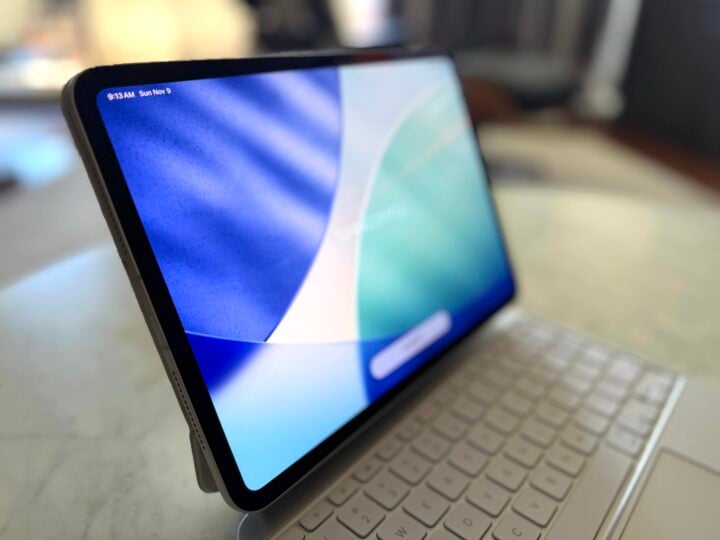
Although unchanged from the M4 model, the Tandem OLED Ultra Retina XDR display remains a standout feature. It reaches 1600 nits of peak brightness and maintains 1000 nits full-screen brightness. Colour accuracy is excellent with P3 wide colour support, 120Hz ProMotion refresh rate, and perfect contrast thanks to OLED technology. It’s one of the best displays you’ll find on any tablet.
Cameras and accessories
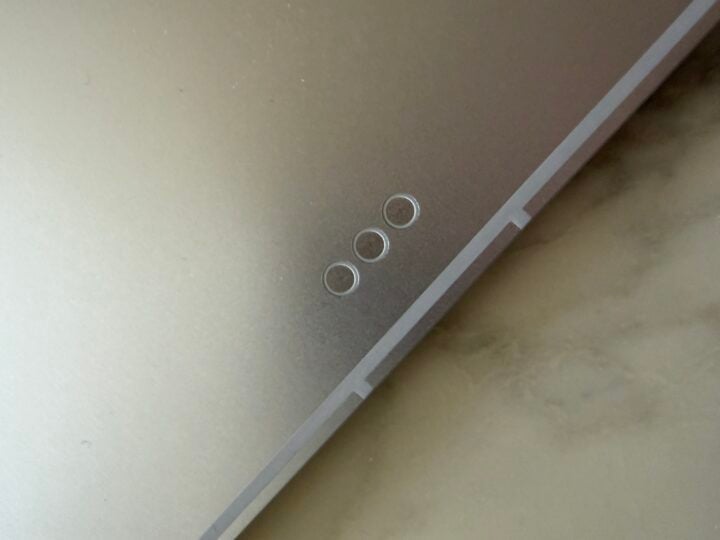
The camera setup hasn’t changed, but it’s still solid. The 12MP Centre Stage and Face ID cameras are still positioned on the long edge, making video calls feel more natural. Centre Stage reliably tracks subjects and adjusts framing quickly.
The rear 12MP camera and LiDAR sensor remain for AR and 3D applications, though most users won’t use them often.
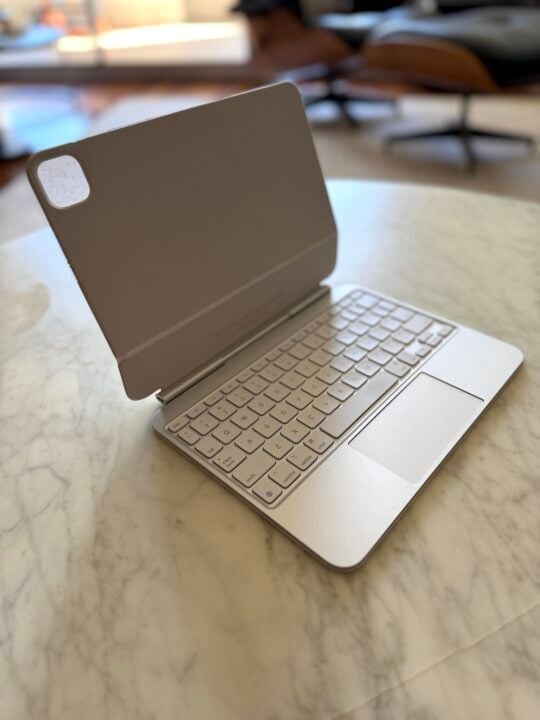
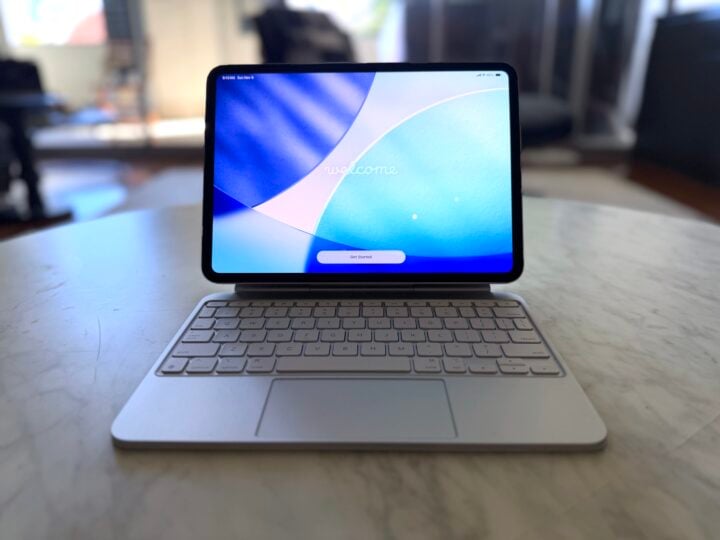
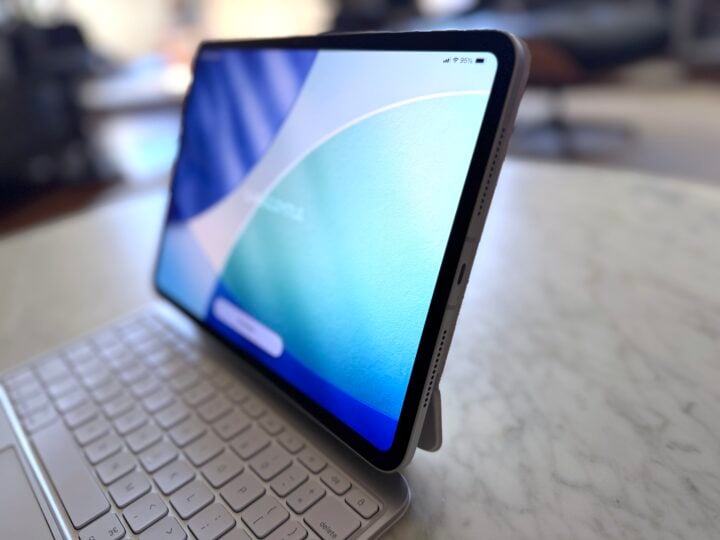
All accessories carry over from the previous generation. The M5 iPad Pro works with Apple Pencil Pro, Magic Keyboard, and Smart Folio. I connected my existing Magic Keyboard from the M4 iPad Pro without any issue.
Who is it for?
In day-to-day use, the M5 iPad Pro feels very similar to the M4 unless you push it hard with demanding apps. If you already own the M4 and it’s handling your workload, there’s little reason to upgrade.
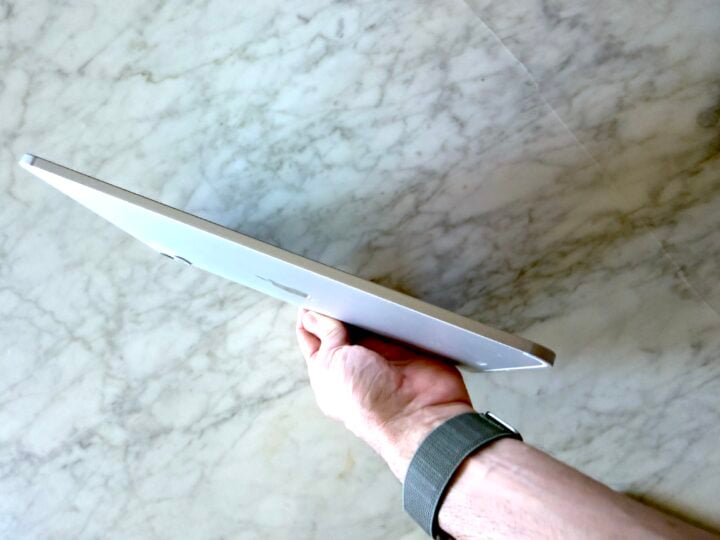
However, if you’re buying new or want to future-proof for AI tools and heavy workflows, the M5 model is unmatched. It’s ideal for professionals working with 4K–8K video editing, 3D rendering, live production, and machine learning applications. Gamers will also benefit from the faster ray-tracing performance, which promises console-class visuals once developers optimise for it.
Should you buy it?
The 2025 iPad Pro with M5 chip refines an already world-class tablet. You get faster AI performance, more memory, better wireless connectivity, and fast charging, while retaining the same beautiful display and design.
If you’re serious about creative work, AI workflows, or want the most capable tablet available, this is the one to buy. For everyone else, the 2024 M4 iPad Pro still delivers incredible value.